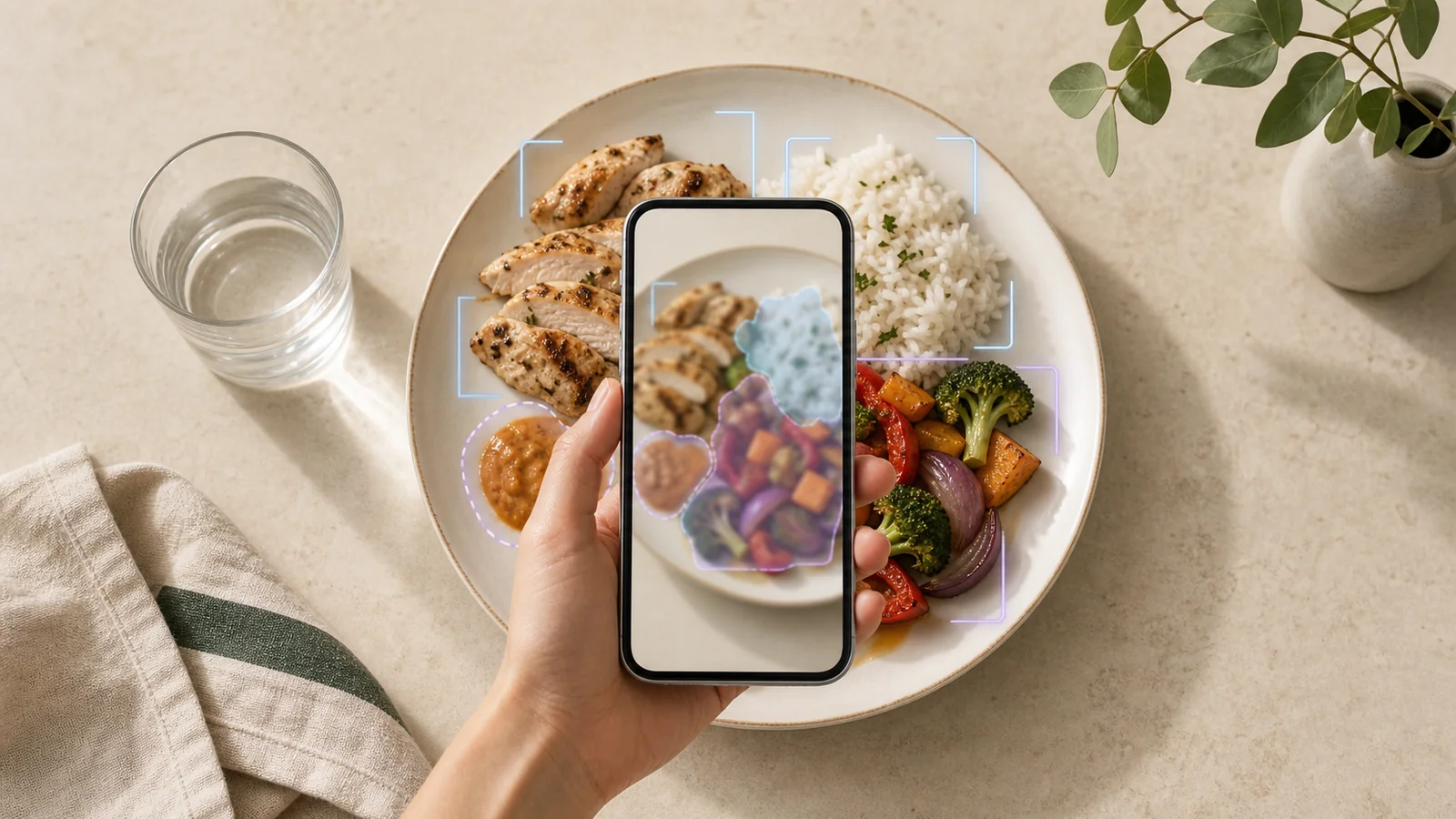
Point an AI calorie counter at lunch and it may return a detailed-looking number in seconds. That speed is useful. The precision can be misleading.
A food photo can give an AI system real clues: what foods appear to be present, how much of the plate they occupy, and whether a portion looks small or large relative to nearby objects. But the image usually cannot reveal the exact weight of each ingredient, the oil absorbed during cooking, the recipe inside a mixed dish, or the nutrition data attached to a particular brand.
So, how accurate are AI calorie counters? The most honest answer is that they can produce a practical estimate, but a single photo is not a laboratory measurement. Accuracy depends on the meal, the image, the model’s food recognition, its portion estimate, and the database used to translate foods into calories.
There is no universal error rate that applies to every app, meal, or user. A 2023 systematic review of AI-based dietary assessment included 52 papers and found that average relative calorie errors reported by the individual studies ranged from 0.10% to 38.3%. The wide span is more important than either endpoint: the studies used different foods, datasets, methods, and evaluation conditions, so the authors could not combine them into one reliable benchmark.
The review also found lower error ranges for single or simple foods than for broader food sets. That matches the practical challenge. An apple against a plain background is easier to recognize and size than a restaurant curry with hidden oil, several ingredients, and no visible depth reference.
Those figures should not be treated as a performance claim for Journable—or for any specific calorie-counting app. They show that image-based dietary assessment can work under some conditions while still varying substantially across systems and meals.
The number on screen is the end of a multi-step inference. A systematic review of image-based food-recognition systems describes a pipeline that commonly moves from identifying the food to estimating its volume and matching it with nutrition information. In plain language, the system has to make several decisions:
An error at any step carries forward. If the food is identified correctly but the portion is estimated 25% too high, the calorie result will usually be high too. If the portion is reasonable but the database entry represents a leaner recipe, the total can still miss the mark.
A clear image is useful because it reduces the effort required to describe a meal and preserves visual details you might forget later. Depending on the system, a photo may help with:
This is why photo logging can be valuable even when the first estimate is imperfect. Its job does not have to be “know the exact calories from pixels.” It can be “make a reasonable first pass, then let the person who ate the meal confirm the details.”
Some of the most calorie-dense details are invisible or ambiguous in a finished plate:
Even excellent food recognition cannot recover information the image never captured. Asking the model for more decimal places does not solve that uncertainty; it only makes the estimate look more precise.
After recognizing “chicken breast” or “rice,” the system still needs a calorie value. That value may come from a reference-food analysis, a calculated recipe, or a manufacturer’s label. The USDA FoodData Central explains that its data types are produced in different ways, and that branded-food values generally come from product labels. Food values are also a snapshot in time and can change.
That means two apps could recognize the same plate yet return different totals because they select different database records or default serving sizes. A better-looking recognition result does not automatically guarantee a better nutrition match.
You do not need to rebuild every meal gram by gram. Focus on the details most likely to move the total:
You can use Journable to log a meal by photo or description, then review and adjust the result before saving. The useful habit is not blind acceptance; it is quick confirmation.
A photo-based estimate can be good enough for lower-stakes goals: building awareness, keeping a consistent food log, noticing recurring meal patterns, or comparing your own habits over time. Consistency often matters more than squeezing false precision out of one plate.
Use more direct information when the consequence of being wrong is higher. A package label, weighed ingredient, recipe calculation, or restaurant nutrition listing can be more appropriate when available. Medical nutrition therapy, insulin dosing, allergy management, pregnancy nutrition, or recovery from an eating disorder should not depend on a photo estimate alone; use guidance from a qualified clinician who understands your needs.
This article is for educational purposes only and is not medical advice. Speak with a qualified healthcare professional before making changes related to medical conditions, medication, or treatment.
One strange result is usually a cue to inspect the meal, not to judge your effort. Check the serving size, overlooked oils or drinks, recipe assumptions, and the database match. If your logs repeatedly suggest a calorie deficit but your weight trend is not moving, the broader picture matters too. Our guide to eating less but not losing weight explains why intake estimates, water shifts, tracking gaps, and time scale can all affect what you see.
Treat the photo as evidence, not a verdict. Correct what you know, accept a reasonable range for what you do not, and look for patterns across many meals rather than certainty from one image.
How accurate are AI calorie counters? Accurate enough to be a useful logging shortcut in many everyday situations, but not accurate enough to make every photo-derived number exact. A food photo can show visible foods, composition, and rough portions. It cannot reliably reveal hidden ingredients, precise weight, recipe details, or the perfect database match.
The best workflow combines AI’s speed with a short human review. Let the photo start the entry, correct the details that matter most, and use the result as an informed estimate rather than an unquestionable measurement.